The art doesn't fit the machine
Paper sticks out at the sides, or there isn't enough to fold behind.
Every template has your machine's cut, fold and visible-area measurements.
Online button editor
Pick the template, build the art and fit everything on the sheet. The PDF comes out at actual size, ready to print at home or take to a print shop.
If you make buttons, you've been there
Paper sticks out at the sides, or there isn't enough to fold behind.
Every template has your machine's cut, fold and visible-area measurements.
“Fit to page” is on by default and the button prints smaller.
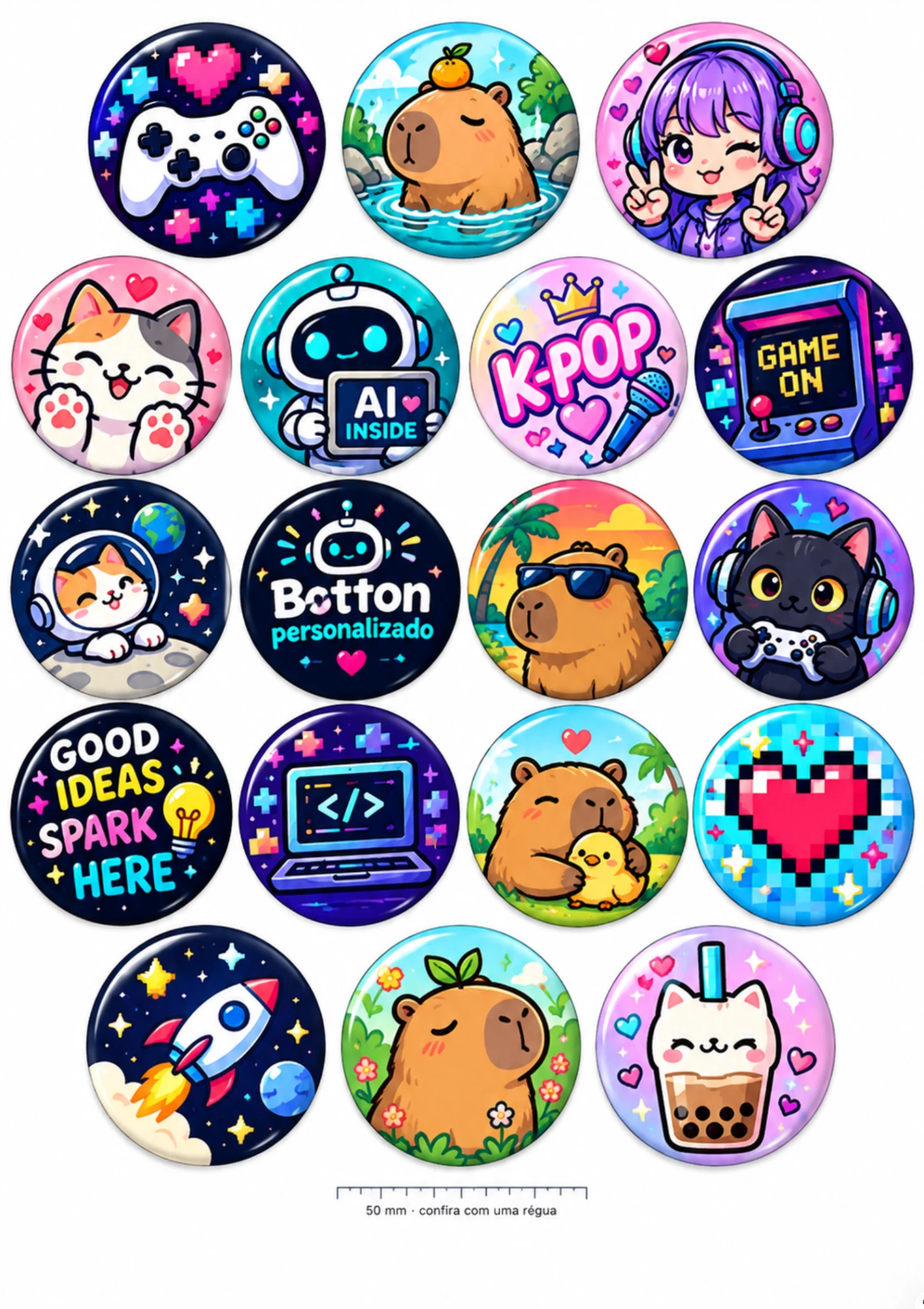
The PDF comes out at actual size, with a 50 mm ruler and a guide for each printer.
Someone ordered 7 buttons and the A4 sheet has room to spare.
The editor shows how many more fit and fills the sheet with one tap.
A face, text or logo near the edge ends up on the back of the button.
The editor shows the safe area. Whatever stays inside it shows on the finished button.
Printing
An order of 50 buttons due Saturday? Pick the size, the quantity and the paper. The editor fits the buttons, shows how many sheets you need and makes the actual-size PDF.
Cardenas, Kit Button, Chigueto and imported machines. From 18 to 88 mm, round, square and heart.
A4, A5, A3, Letter and 4 × 6 in. The orientation that fits the most is picked for you.
Group by size to cut faster, or mix sizes on the same row to use less paper.
Measure with a regular ruler before you cut. If it reads 50 mm, the print came out right.
The guide shows what to check in Chrome, Safari, Windows, Adobe Reader and on your phone.
A thin outline around each button, for scissors or a circle cutter.
AI in the editor
Write the theme, pick the style and the palette. The AI creates it in the template's shape, with the main subject away from the edge.
Full art, a phrase or lettering, a logo or a background, from one idea.
Takes the background out of a photo and keeps just the person, pet or product.
Paint over what you want gone from the photo: an object, a person, a logo.
That tiny photo from a chat app comes out sharp at button size.
Photo too narrow? The AI fills in the sides until the circle is complete.
Drop a photo into a ready-made template and the AI adjusts the framing.
The AI uses credits, sold separately from the subscription. New accounts get credits to try it: enough for 4 designs and 2 background removals.

Style
The editor
Party favors, uniform buttons or a giveaway for your shop. Start from a template or a blank sheet.
Birthday, baby shower, business, pets. Swap in the name and photo and you're done.
Names that follow the edge, outlines, shadows and dozens of fonts.
Stars, hearts, ribbons and badges to make the name or date stand out.
Pix, WhatsApp, Instagram, Wi-Fi, a menu or a review link. Works right at the counter.
Colors, gradients, patterns and ready-made borders that respect the fold.
Guides that snap to the center, layers you can rearrange and print quality in DPI.
Sharing
…/s/k7Qm2xVaCopySign in and your art is saved. Open it again on your phone, laptop or the shop computer.
Already have the art? Send the image straight to the print sheet and pick the quantity.
Download the editable project and keep it on your computer. It opens again with all its layers.
Pricing
Launch priceCreating in the editor is free. The subscription unlocks the print sheet and exports: that's about R$0.10 a day.
R$2.99 is bottoncraft's launch price. It may change soon.
or R$26.99 a year (R$2.25 a month)
Launch priceOne AI design: 10 credits. Remove a background: 2.
Questions
We don't sell finished buttons. You make the art in the editor, or buy an art pack, and print at home. Or take the PDF to a print shop or to someone with a button machine.
Not to create and print. To assemble the button, yes: yours, or the one belonging to whoever makes buttons for you.
Cardenas, Kit Button, Chigueto and imported machines, from 18 to 88 mm, in round, square and heart shapes. Some imported machine sizes are still estimated measurements, and the template's name says so when that's the case.
Not to make art. An account lets you save to My buttons, share, print with the subscription and use the AI.
Yes. The editor and the print sheet work on phones. To print from your phone, download the PDF and open it in your printer's app at 100%.
No. The AI uses credits, sold separately from the subscription. New accounts get credits to try it.
Open the editor, pick the template and add your photo. No sign-up.
Open the editorWe reply Monday to Friday, 9 a.m. to 7 p.m. Brasília time (UTC−3).
Emailcontato@bottoncraft.com.br